Xcodes
Xcodes is an app to manage the installation of different versions of Xcode:
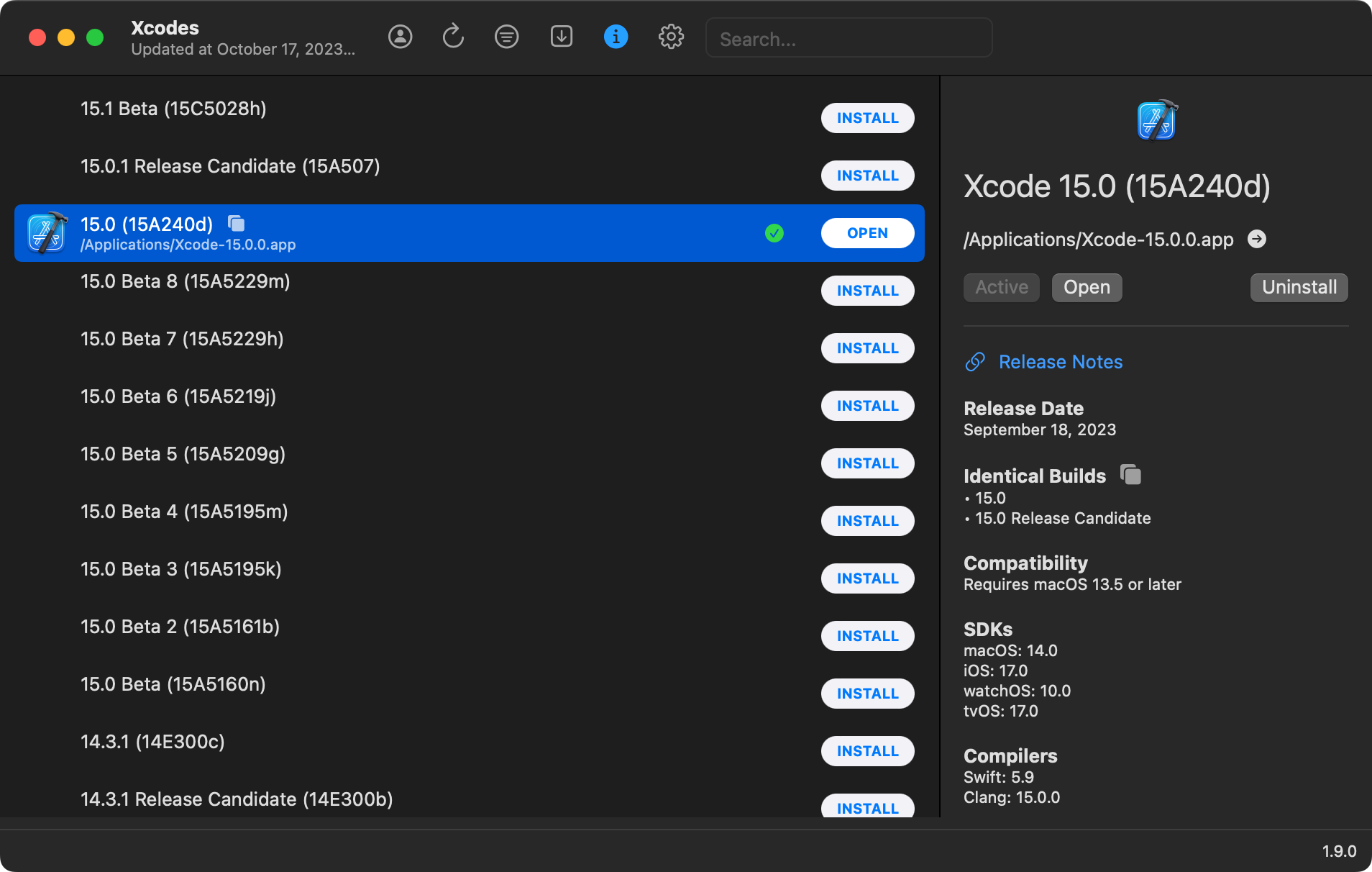
You can directly download Xcodes here; an overview of the app can be found here.
Once downloaded, you will have a compressed file:
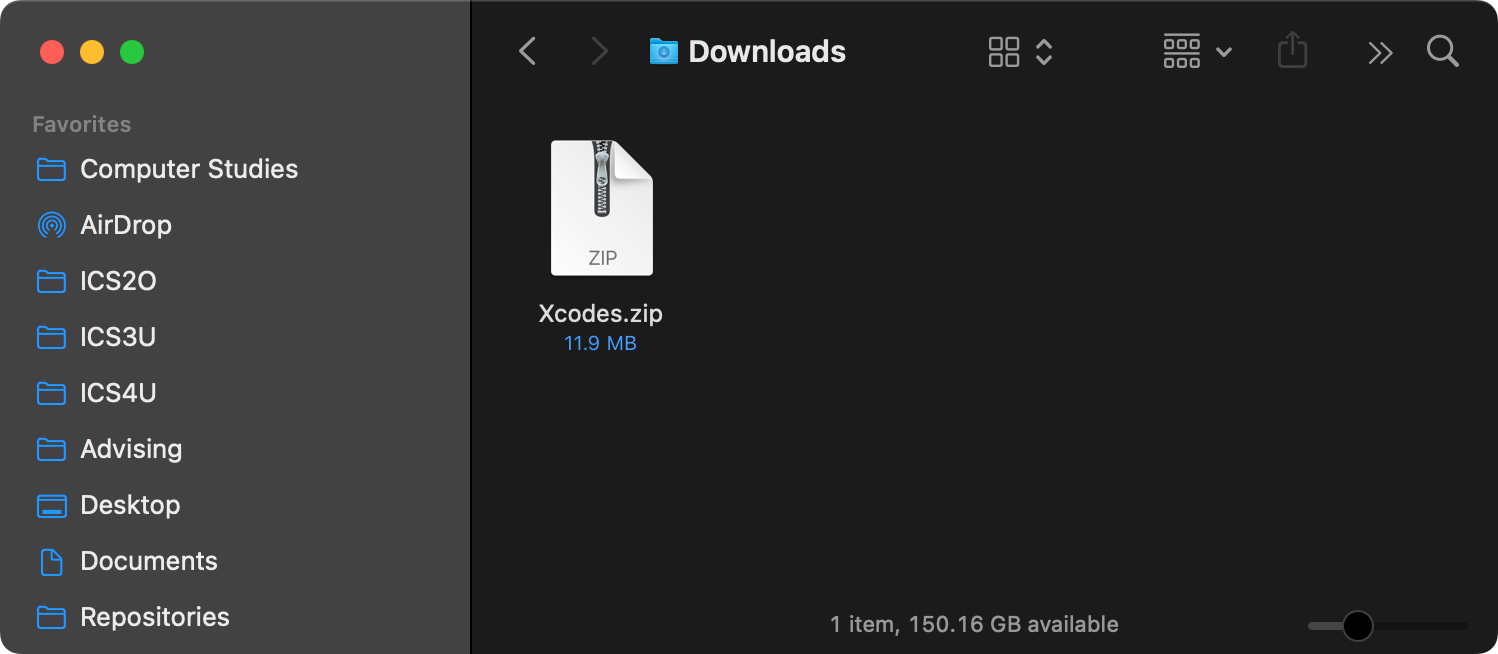
Double-click the file to de-compress it, then drag the resulting Xcodes app to your Applications folder:

The most recent version of Xcode available, as of October 17, 2023, is Xcode 15.0.
The Xcodes app makes this easy; just be sure to use, from the menu bar, Xcodes > Settings.., then select the Sign-in button under Apple ID:
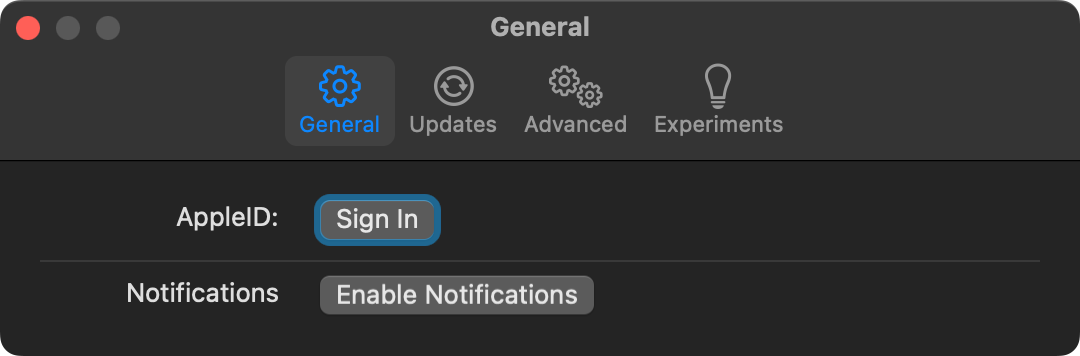
...and then provide your LCS Apple ID information (this is what gives you access to Apple Developer resources).
If you don't yet have your LCS Apple ID, check your LCS email. Accept the invitation to join the Apple Developer Program. Create a new Apple ID based on your LCS email address. It is best to keep all of this separate from any existing Apple ID(s) you may already have.
You can then use Xcodes to remove older versions of Xcode from your computer before or after installing a new version (depending on how much available disk space you have).