Extending the CYOA Template
Purpose
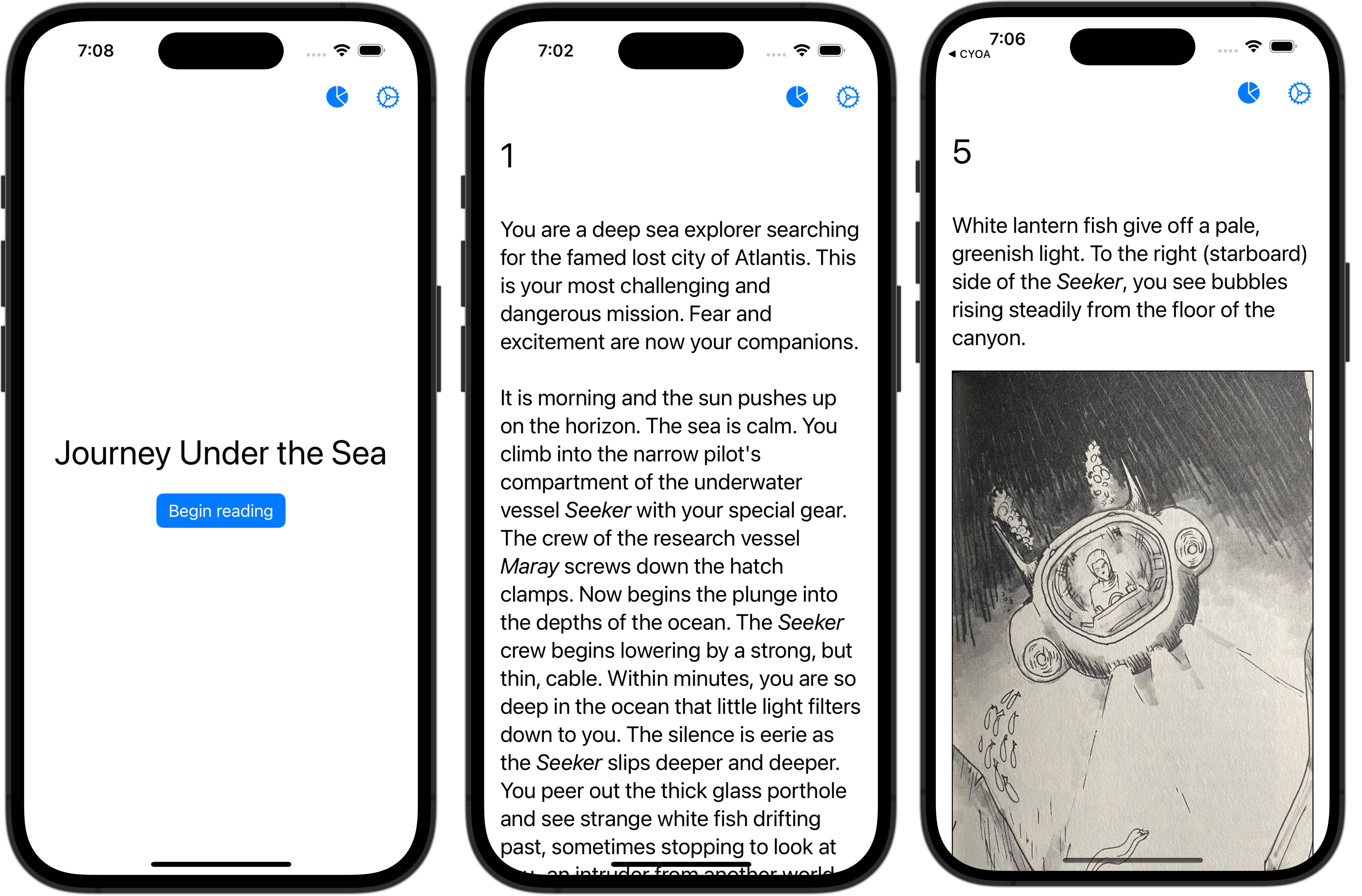
The Choose Your Own Adventure Template has been provided as an example of how to implement and use a directed graph to tell a story with many possible endings.
Next steps
Now that your group member(s) have completed authoring their part of the story, it is your group's job to demonstrate that each group member knows how to use source control within a group and that you can collaborate effectively to improve a product.
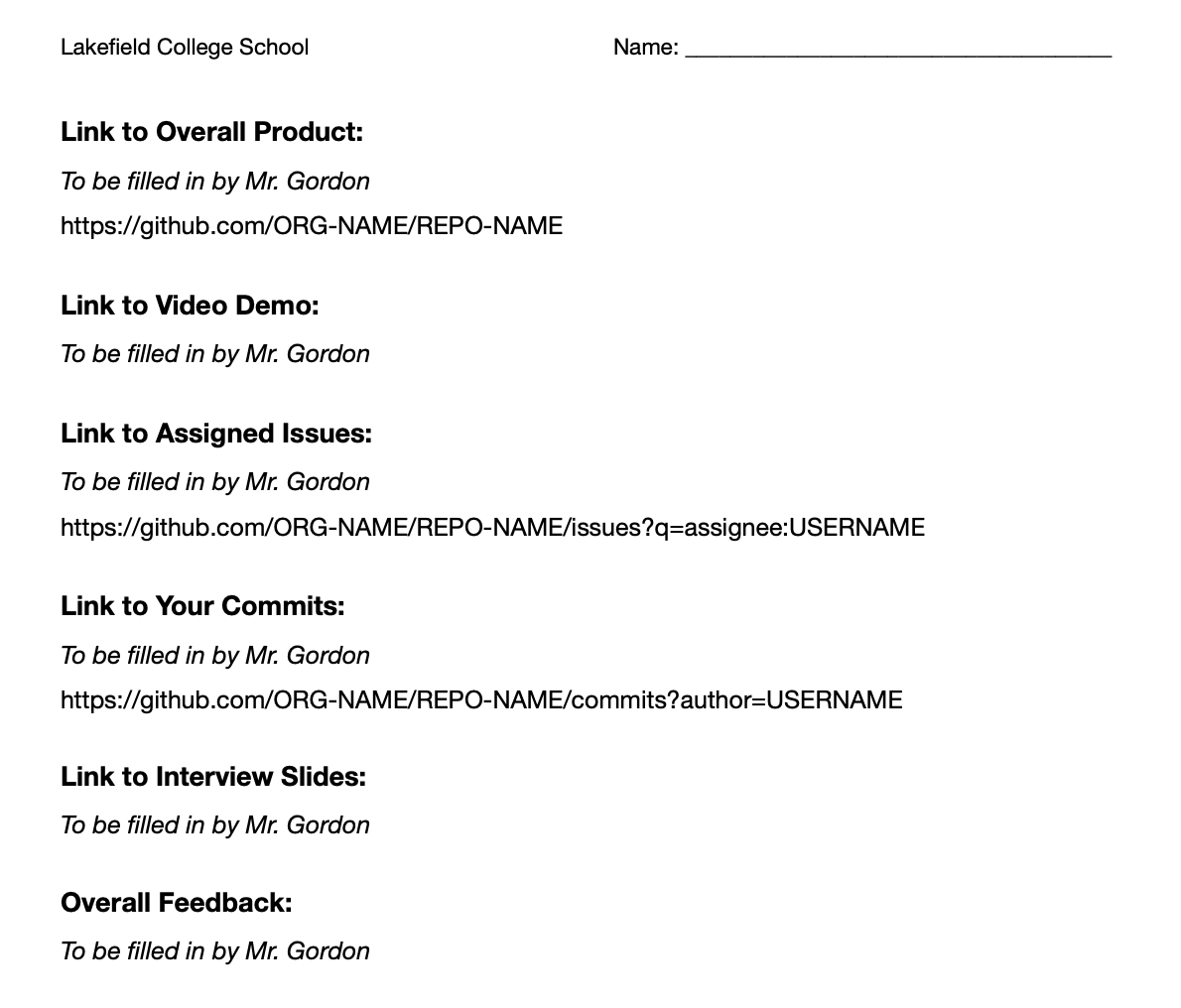
Be certain you have read and understand the evaluation criteria for the culminating task.
Not being aware of the evaluation criteria is not valid reason for not meeting these criteria by the end of the module. Your grade on this task will represent what you personally have contributed to the success of your group's effort:
Exemplars
Here are some examples of how the CYOA Template was extended last year by prior Grade 12 Computer Science students:
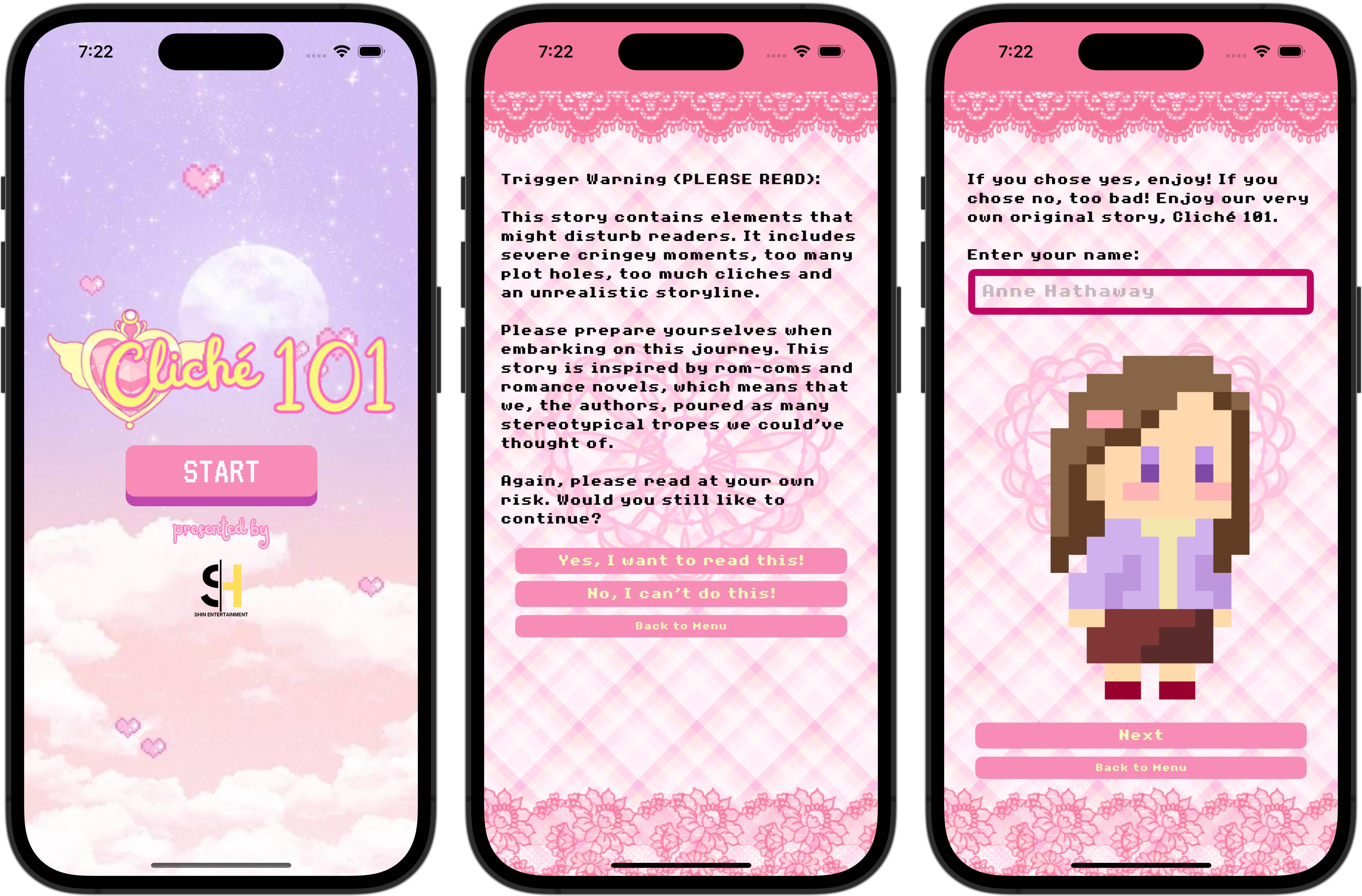
These students built a story where the reader is immersed in an epic "Will she / won't she?" love triangle drama.
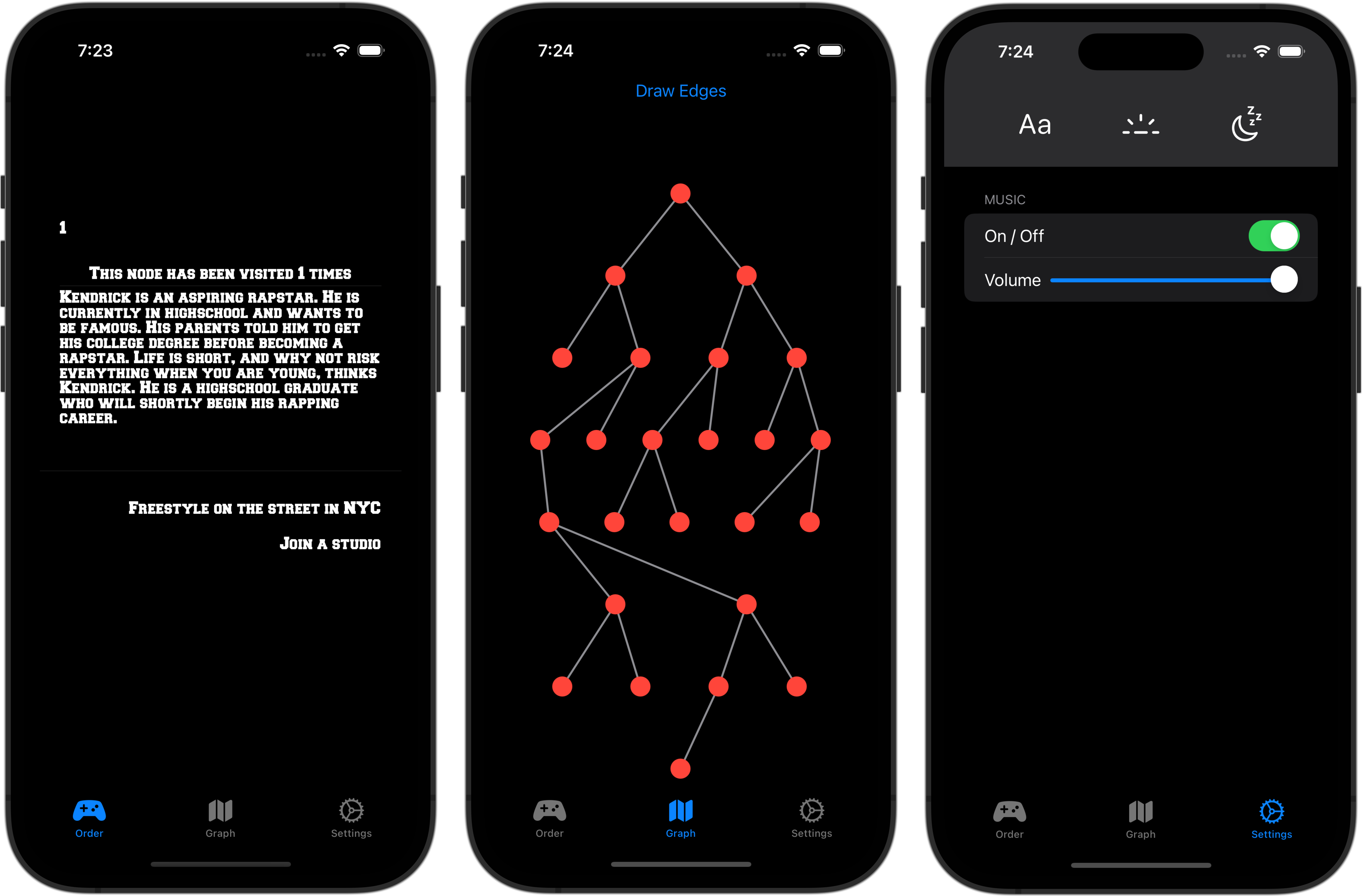
The story of aspiring rap star, Kendrick – notable enhancements here include a graph of the story outline that updates as the reader moves through the story, to show what paths have been travelled.
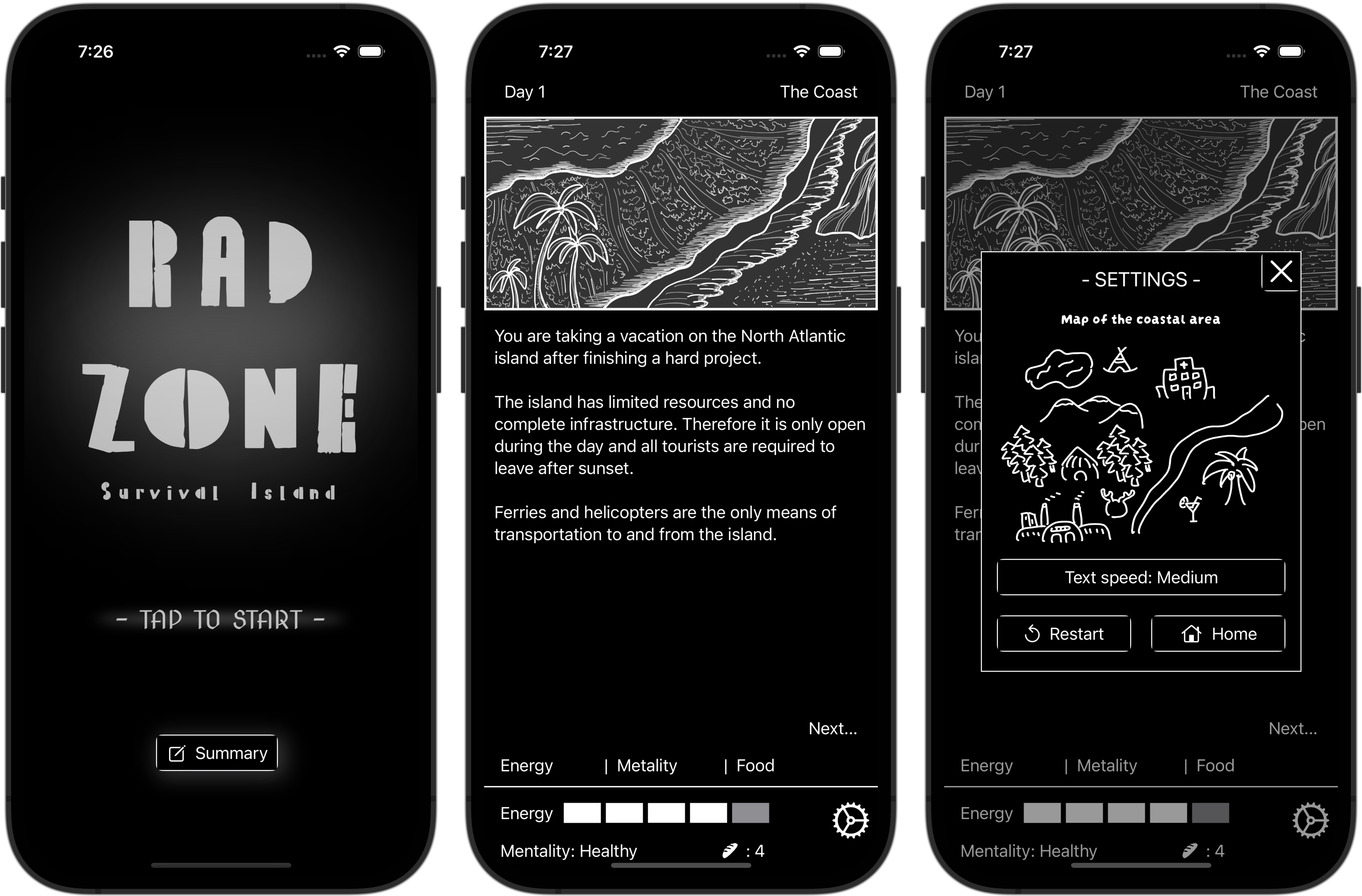
These students extended the template into a game of sorts, where various criteria (energy, food levels) change based on what parts of the story are visited. This provides the player with a sense of whether they have chosen a helpful or unhelpful path.
Database schema
Here are some tips about the database schema you have been provided with.
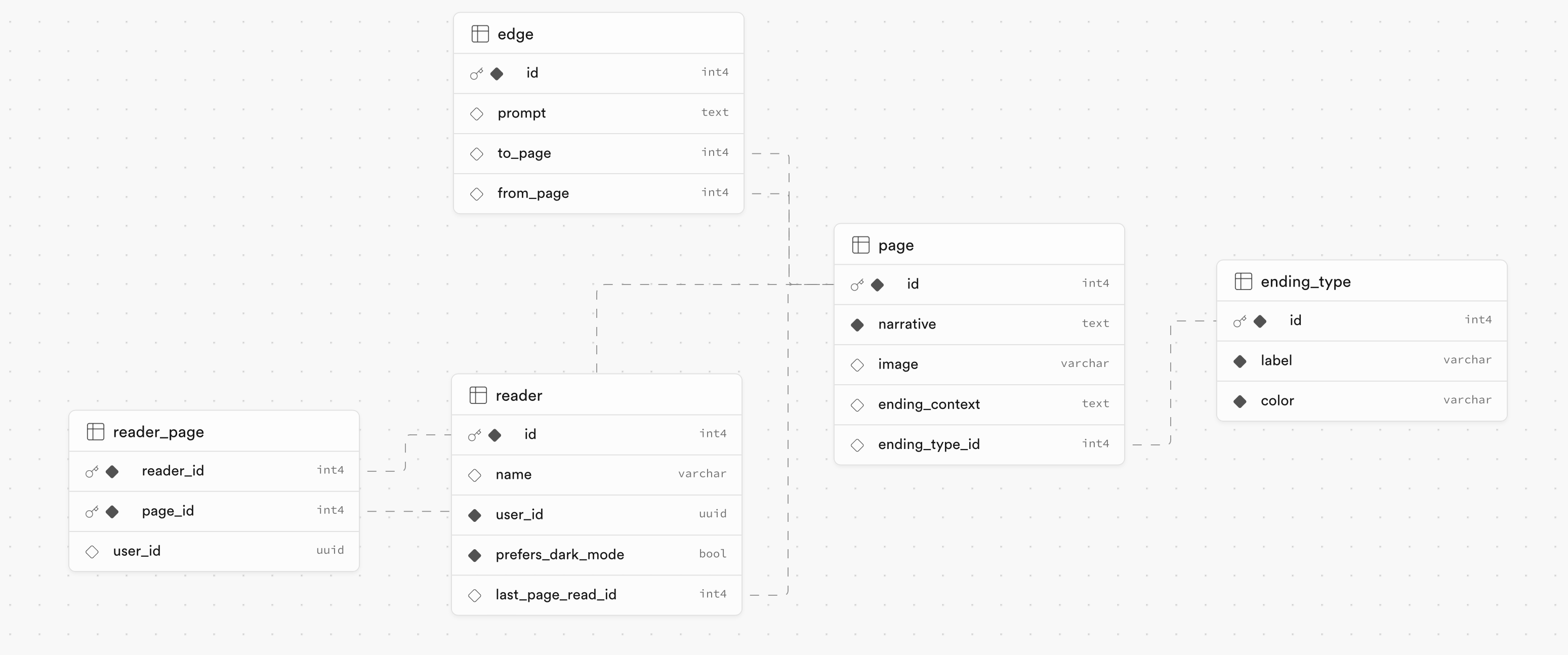
The page table holds each page (node) of the directed graph. When ending_context and ending_type_id are filled in, the page is marked and categorized as an ending when generating the directed graph using the GraphGenerator app.
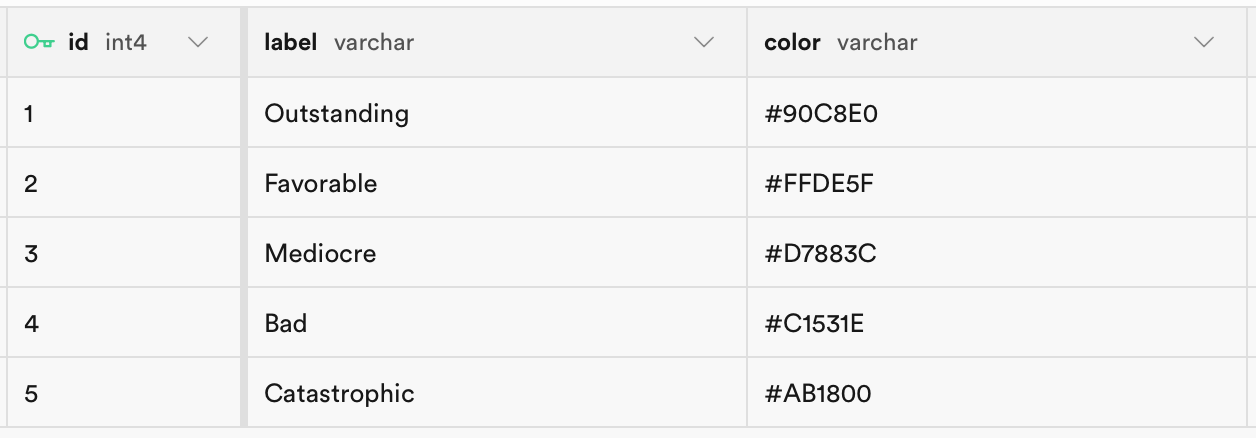
The ending_type table lists the five possible ending types:
The edge table connects each page (node) to possible pages that the reader can move to next.
The reader table is designed to hold preferences and state for a given user of the game. For example, the Journey Under the Sea exemplar story has been read by several people over the past few days, and the contents of the reader table track what page each user last read in their current trip through the story:
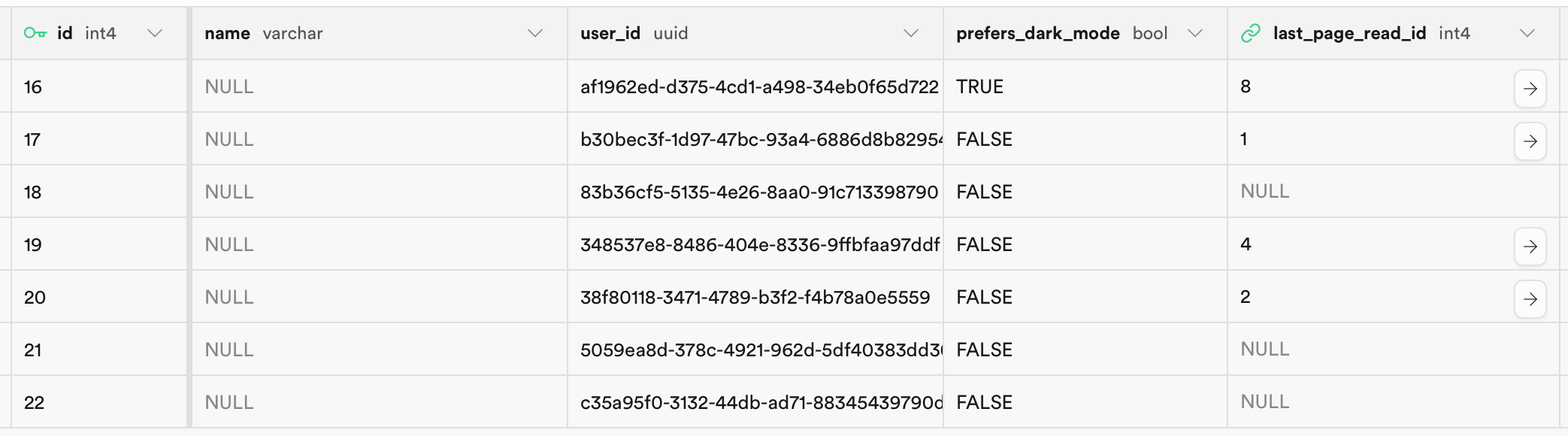
Settings (such as whether dark mode was enabled) are also tracked and stored. This table could be extended by your group to include additional preferences, if you choose to add those to your app.
Finally, the reader table is designed to track what pages a given reader has visited and read. For example, this entry in the reader table shows that a reader – reader 17 – had visited and read page 1:

As that same reader visits more pages, additional rows would need to be added. The reader_id value would always be 17 for that user, and the user_id value would also be identical. Only the page_id would differ for each new row – the page_id value tracks what page number has been read.
The CYOA Template does not actually populate this table – but that is an enhancement that your group could add so that your app keeps track of what pages a given user has read.
The user_id is automatically populated by Supabase when a row is added to this table. Mr. Gordon will speak to what this value represents in class.
Final advice
Have fun with this culminating task! Assume best intentions of your group members. Be patient and when in doubt – communicate. Remember to follow these steps when using source control.